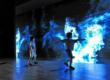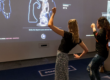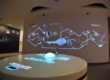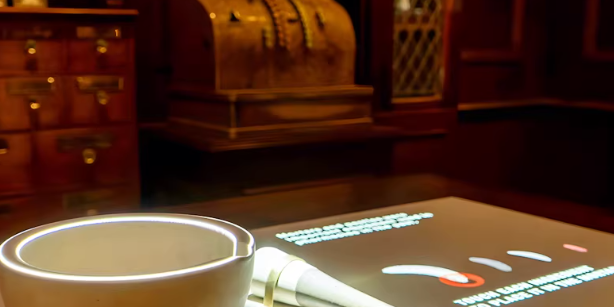
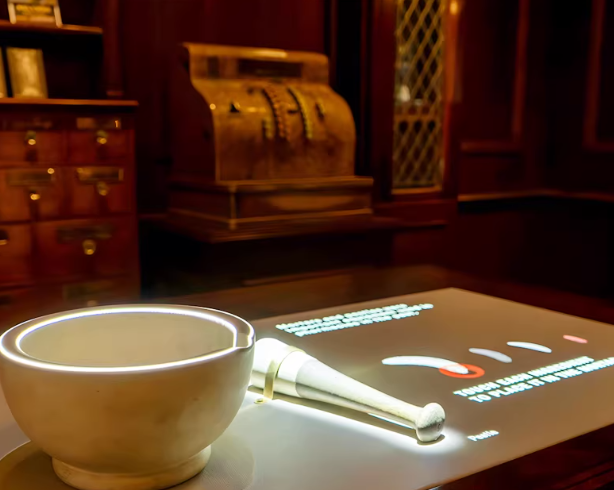
Integrating a desktop interactive projection system with PoE LiDAR transforms a standard table into a precise, multi-touch interactive surface—without requiring a built-in touchscreen panel.
At its core, integration means this:
LiDAR detects finger/hand positions on the tabletop → middleware converts coordinates into touch events → the projection application responds like a normal touchscreen.
This article provides a technically structured, field-tested implementation guide aligned with Google’s E-E-A-T quality standards (Experience, Expertise, Authoritativeness, Trustworthiness).
1. System Architecture Overview
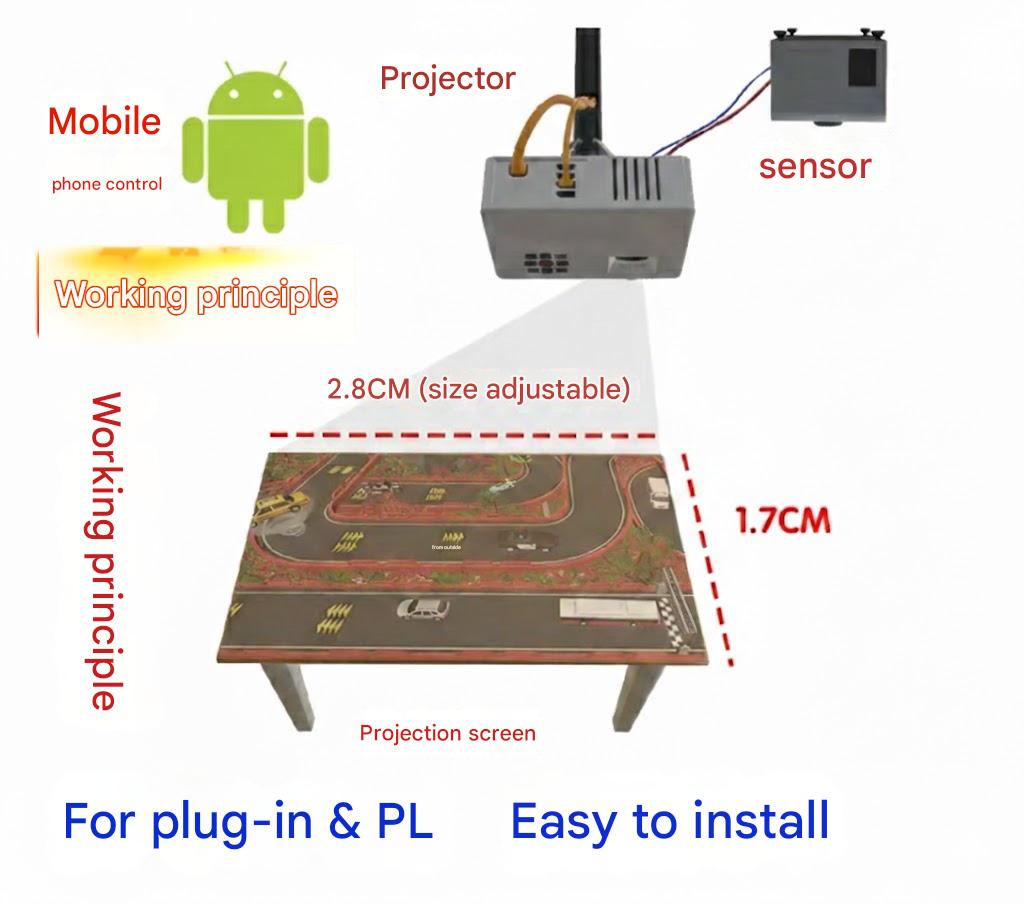
A complete integration includes three primary layers:
1.1 Projection Layer – Creating the Visual Canvas
The projector defines the logical interactive surface.
Key steps:
- Project onto table surface
- Apply keystone correction
- Perform edge blending (if multi-projector setup)
- Define final logical resolution (e.g., 1920×1080 or 4K)
This projected area becomes your interaction coordinate target.
1.2 PoE LiDAR Layer – Capturing Touch Positions
A PoE LiDAR sensor is mounted above the table (vertical or angled) with a field of view covering the entire interactive area.
Technical requirements:
- Operate in 2D planar interaction mode
- Output touch data:
- (x, y) coordinates
- Touch state (down / move / up)
- Touch ID (for multi-user tracking)
Networking advantages of PoE:
- Single Ethernet cable for power + data
- Clean ceiling installation
- Centralized switch management
- Reduced wiring complexity
1.3 Middleware Layer – Calibration & Event Translation
This is the critical integration bridge.
The middleware performs two functions:
- Coordinate calibration
- Event encapsulation
Without this layer, LiDAR coordinates cannot align with projected content.
2. Coordinate Calibration: Aligning LiDAR to Projection
Calibration ensures:
Finger position = Exact projected pixel location
Step 1: Calibration Point Collection
The projection software displays multiple reference markers (typically 4 corners + center).
At each marker:
- User touches the projected point
- System records:
- Projection pixel coordinate (u, v)
- LiDAR detected coordinate (x, y)
Step 2: Transformation Matrix Calculation
Using the calibration pairs, the middleware computes a 2D transformation:
- Affine transform (for minor distortion)
- Homography (for perspective correction)
This produces a conversion formula:
LiDAR (x, y) → Screen (u, v)
From this point forward, every LiDAR touch is automatically mapped to the correct projection pixel.
3. Event Packaging: Making LiDAR Behave Like a Touchscreen
After coordinate mapping, touch data must be converted into interaction events compatible with operating systems or engines.
Common Encapsulation Methods
1. Mouse Emulation
- Single-point click
- Drag & drop
- Cursor movement
Best for simple interactive systems.
2. Windows Touch / HID Multi-Touch Driver
- True multi-touch support
- Gesture recognition (pinch, rotate)
- Multi-user simultaneous interaction
Recommended for commercial multi-user tables.
3. TUIO Protocol
Widely used in interactive installations and media art.
Compatible with:
- Unity
- Unreal Engine
- TouchDesigner
- OpenFrameworks
4. Custom UDP / OSC Messages
Used for:
- High-performance custom applications
- Complex tracking systems
- Multi-table synchronization
4. Practical Deployment Considerations
4.1 LiDAR Mounting Height & Angle
Ensure:
- Full table coverage
- Minimal occlusion
- Avoid obstruction from table edges, monitors, decor elements
Mounting height directly affects:
- Detection resolution
- Dead zones
- Edge accuracy
4.2 Noise Filtering & False Trigger Prevention
Implement middleware filters for:
- Minimum touch area threshold
- Minimum dwell time
- Object rejection (cups, sleeves, small debris)
This significantly improves real-world stability in restaurants and museums.
4.3 Multi-User & Multi-Touch Handling
Professional PoE LiDAR systems can track:
- Dozens to hundreds of simultaneous points
Your application must:
- Track each touch by unique ID
- Avoid collapsing all touches into a single cursor
- Handle concurrent interaction logic
4.4 Multi-Table / Multi-Zone Deployment
In commercial venues:
- Multiple tables can be connected via network switch
- Each LiDAR assigned unique IP
- Central server handles content sync
This architecture is ideal for:
- Interactive restaurants
- Science centers
- Brand activation events
5. Why PoE LiDAR Is Ideal for Commercial Interactive Tables
Compared with IR camera systems:
| Feature | PoE LiDAR | IR Camera |
|---|---|---|
| Installation | Single Ethernet cable | Power + data separate |
| Accuracy | High spatial precision | Moderate |
| Lighting tolerance | Strong | Sensitive to ambient IR |
| Multi-touch scaling | Excellent | Limited by camera resolution |
| Maintenance | Network manageable | Local adjustment required |
PoE LiDAR provides higher stability and lower total cost of ownership in long-term deployments.
6. Real-World Applications
- Interactive restaurant ordering tables
- Museum digital sand tables
- Retail brand activation desks
- Children’s education tables
- Healthcare pediatric interactive spaces
Proper integration ensures low latency (<30ms), accurate touch alignment, and multi-user collaboration.
FAQ – Desktop Interactive Projection + PoE LiDAR
Q1: Can PoE LiDAR replace a traditional touchscreen panel?
Yes. It converts any flat surface into a touch interface without embedding a physical touch screen.
Q2: How accurate is LiDAR touch detection?
Commercial-grade systems can achieve millimeter-level precision when properly calibrated.
Q3: Does ambient lighting affect performance?
LiDAR performs significantly better than IR camera systems in bright environments.
Q4: How many simultaneous users are supported?
Depending on the model, dozens or even hundreds of touch points can be tracked.
Q5: Can it integrate with Unity or Unreal Engine?
Yes. Via TUIO, HID drivers, or custom UDP/OSC messaging.
Q6: Is PoE mandatory?
PoE is recommended for simplified wiring and centralized deployment, but non-PoE versions may also be available depending on hardware.
About CPJROBOT
CPJROBOT is a professional manufacturer specializing in:
- PoE LiDAR interaction sensors
- Desktop interactive projection systems
- Commercial greeting robots
- Smart automation solutions
We support:
- OEM / ODM customization
- SDK & API integration
- Large-scale project consultation
- Global distributor partnerships
With extensive deployment experience in restaurants, museums, retail, and education sectors, our solutions are engineered for reliability, scalability, and long-term commercial operation.
You May Also Be Interested In: