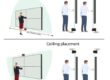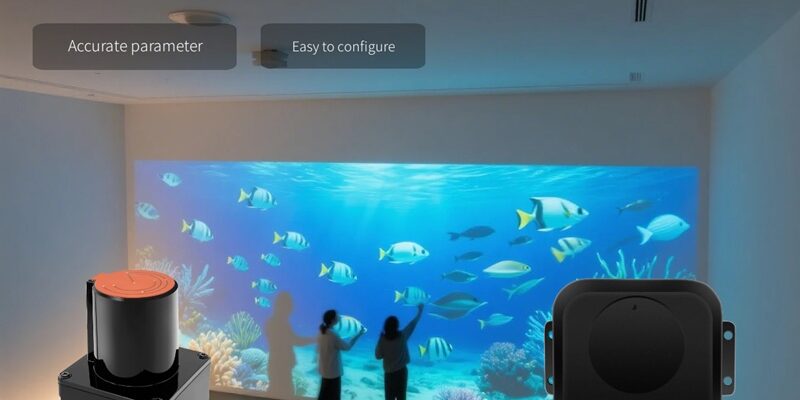
Introduction: Breaking Physical Boundaries to Turn “Walls” into Interactive Gateways
In the era of immersive experiences, static displays are no longer enough. Whether in retail, museums, or corporate showrooms, audiences crave interaction. However, scaling traditional touch technology to the size of a wall is fraught with challenges. The solution lies not in bigger screens, but in smarter sensing: PoE LiDAR.
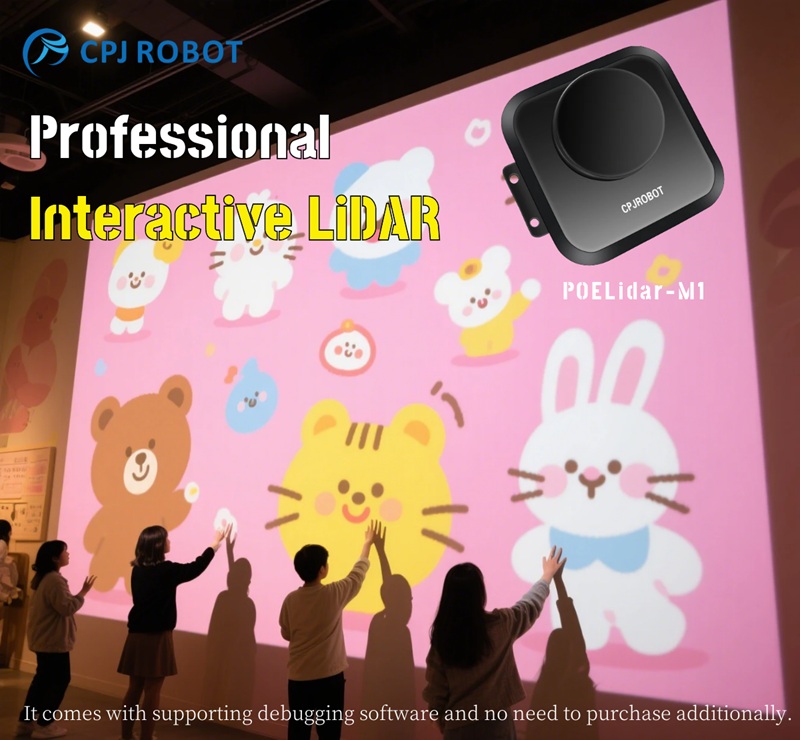
The Reality and Pain Points of Traditional Large Screens
Why is it so difficult to create a 200-inch touch wall using traditional methods? The barriers are physical and financial:
- Shipping and Installation Nightmares: Transporting a 100-inch+ capacitive touch frame or all-in-one machine is risky. They are bulky, fragile, and require complex on-site hoisting and structural reinforcement.
- High Cost and Maintenance: Large-scale capacitive or infrared (IR) frames are expensive. If a dead zone appears, repairing it often requires dismantling the entire unit, leading to long downtime.
- Environmental Sensitivity: Traditional touch frames are sensitive to water mist, strong ambient light, and dust accumulation. In public spaces, hygiene and durability become major headaches.
- The “Seam” Problem: Achieving a 10-meter interactive wall usually requires splicing multiple screens together, resulting in heavy engineering workloads and segmented content.
Core Concept: LiDAR Virtual Touch
PoE LiDAR Virtual Touch is not about “installing a screen on a wall.” Instead, it uses laser scanning to digitize the physical space.
- Interaction in Thin Air: The interaction happens in the air, just above the surface. By setting a threshold (e.g., 1–2 cm from the wall), a finger “touch” is registered without physical pressure.
- Versatile Carriers: This technology works on LED screens, projection mapping, splicing screens, or even plain white walls.
- Universal Value: For exhibition halls, retail stores, and cultural tourism, this reduces engineering complexity while significantly increasing visitor participation and replicability.
Unveiling the Technology: How a PoE LiDAR Interactive System Works
To understand the system, visualize it as a living organism composed of three parts: the Eyes, the Nerves, and the Brain.
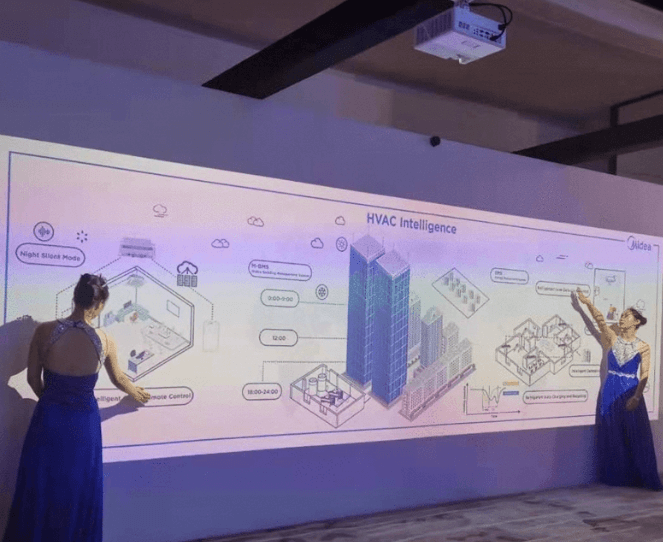
The System Trinity: Eyes, Nerves, and Brain
The Eyes: 2D/360° LiDAR Sensors
The sensor is the core capture device.
- Key Specs: You need to look at refresh rate, angular resolution, ranging accuracy, Field of View (FOV), and the blind zone range.
- Interaction Focus: High-quality LiDAR combined with robust algorithms can stably separate fingers from palms and distinguish human contours, preventing false touches.
The Nerves: PoE (Power over Ethernet)
This is the game-changer for installation. PoE allows a single network cable to handle both power supply and data transmission.
- Why it Matters: In scenarios like high ceilings (5–6 meters up), finding a power outlet is difficult. PoE eliminates the need for extra power lines, adapters, or high-altitude socket installations.
- Deployment: All you need is a PoE Switch or Injector and a standard CAT5e/CAT6 cable (supporting up to 100m range).
The Brain: Interactive Host + Software Stack
The software processes the raw data into actionable events.
- Real-Time Processing: It handles point cloud parsing, foreground segmentation, touch point tracking, and state machine management.
- Output Interfaces: The system converts data into Mouse Events, Multi-touch protocols, TUIO, OSC, or custom SDK data.
- Content Engines: Seamlessly integrates with Unity, Unreal Engine, TouchDesigner, or web-based interactive apps.
Working Principle: From Laser to “Click”
Understanding the data link is crucial for engineers and developers:
- Laser Emission & Ranging: The LiDAR spins and emits lasers (using ToF or similar mechanisms) to measure distance.
- Point Cloud Generation: This creates a raw map of the environment (Point Cloud/Scan Frame).
- Background Modeling: The software scans the empty wall to establish a “static background.”
- Foreground Extraction: When a hand enters the area, the system subtracts the static background to isolate the “dynamic foreground” (the hand/finger).
- Tracking & Clustering: The algorithm clusters the points to find the centroid or boundary, identifying it as a candidate touch point. It assigns a stable ID to track movement (Down -> Move -> Up).
- Coordinate Mapping: The system maps the LiDAR coordinates ($x, y$) to the screen pixels ($u, v$) using a calibration matrix (homography/perspective transform).
- Event Output: Finally, the signal is sent to the display software via TUIO or mouse simulation, making the projection respond exactly like a touchscreen.
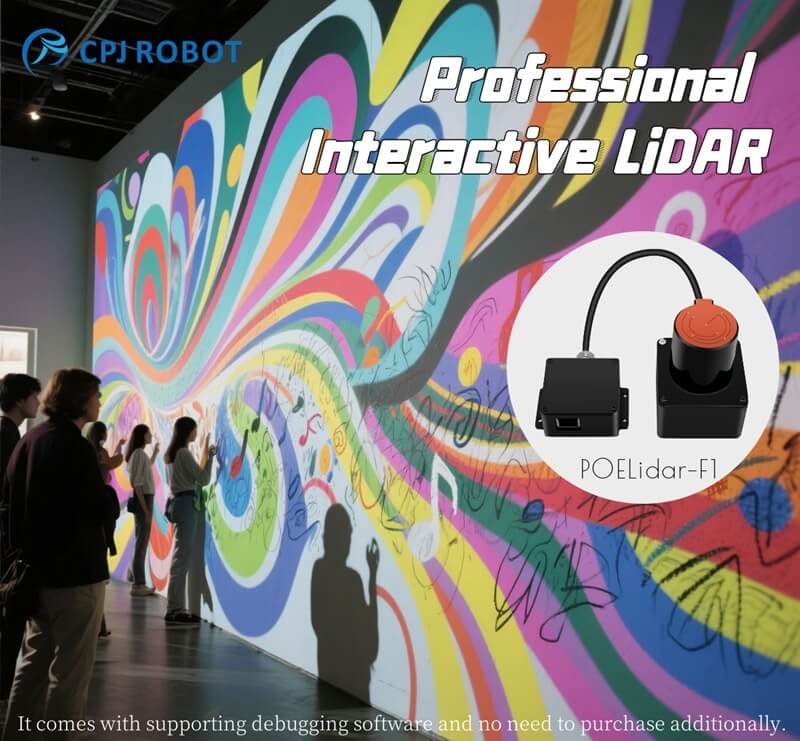
Why Choose PoE LiDAR? Core Advantages
Size is Almost Limitless
Whether it is a 100-inch screen or a 30-meter corridor, the logic remains the same. The interactive area is defined by the LiDAR’s Field of View (FOV) and installation height, not by the size of a manufactured glass pane. This makes it ideal for “super-long narrative walls” or “immersive digital art galleries.”
Minimalist Engineering
PoE transforms high-altitude deployment from a “problem” into a “standard procedure.”
- The Pain Point: In malls and museums, getting power approval and running conduit to the ceiling is expensive and slow.
- The Solution: Weak current (low voltage) cabling is safer, standardized, and easier to manage. A centralized PoE switch allows for easy rebooting and maintenance of all sensors from the server room.
Adaptability to Environment and Shape
Traditional touch frames are rigid rectangles. PoE LiDAR is flexible.
- Curved & Irregular Surfaces: As long as the LiDAR can scan the surface and the software can map it, you can turn columns, curved walls, or corner displays into interactive zones.
- Seamless Integration: Sensors can be hidden in the ceiling or along the skirting line, keeping the aesthetic clean.
Hygienic and Contactless
In a post-pandemic world, Virtual Touch offers a significant upgrade for public spaces.
- Zero Wear: Since users don’t physically touch the wall (or touch it lightly), there is no need for protective films, no fingerprints to clean, and no risk of damaging the screen surface.
- Health: Ideal for hospitals, parenting centers, and airports where reducing contact transmission is a priority.
Typical Application Scenarios
Digital Art Exhibitions & Cultural Tourism
From “Viewing” to “Participating.”
- Keywords: Interactive Wall, Immersive Projection, Motion Trigger.
- Example: A “flowering path” where flowers bloom as visitors walk, or a wall where waving a hand creates digital water ripples.
Smart Education & Corporate Meetings
Turning a Projection into a Whiteboard.
- Function: Teachers or presenters can click, drag, and write directly on the projected content on the wall.
- Benefit: Eliminates the need to purchase expensive large-size electronic whiteboards. Perfect for classrooms, training centers, and corporate showrooms.
Interactive Gaming & Retail Marketing
High-Conversion “Playable Billboards.”
- Activities: Ball-tossing games, body-sensing obstacle courses, floor pianos, or digital graffiti walls.
- KPIs: These installations drastically increase dwell time, participation rates, and social media sharing.
FAQ: Common Questions About PoE LiDAR Interactive Walls
Q: Do I need to stick any film or sensors on the wall?
A: No. The wall remains a standard physical surface. The LiDAR is installed remotely (ceiling or floor) and scans the surface from a distance.
Q: Is it true multi-touch? How many people can use it?
A: Yes. Depending on the software and sensor count, it supports true multi-touch. A single LiDAR system can easily handle 10+ distinct touch points, and multi-LiDAR fusion can support dozens of users simultaneously.
Q: Which is better for the display: Projection or LED?
A: It depends on your goal. For strong visual impact in bright rooms, use LED. For artistic, immersive, or cost-effective large areas, Projection is better. LiDAR works with both.
Q: Can this work on curved walls?
A: Yes. The software calibration process allows for multi-point alignment to map the touch coordinates accurately to a curved display surface.
Q: Does it work in strong light or through glass?
A: Direct sunlight can interfere with LiDAR (depending on the wavelength, 905nm vs others). For glass (shop windows), the LiDAR usually needs to be mounted on the same side as the user, or specific “through-glass” settings must be tested.
Q: What determines the system latency?
A: Latency is determined by the LiDAR refresh rate (Hz), the network transmission speed (PoE ensures stability), and the processing power of the host computer. A well-tuned system feels instantaneous.
Q: What happens if a user blocks the laser (occlusion)?
A: If a user stands directly between the sensor and the touch point, the signal is blocked. This is resolved by installing LiDAR from the top-down (to minimize body shadows) or using Multi-LiDAR Fusion to cover the area from multiple angles.
You May Also Be Interested In: