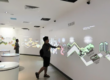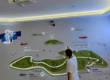

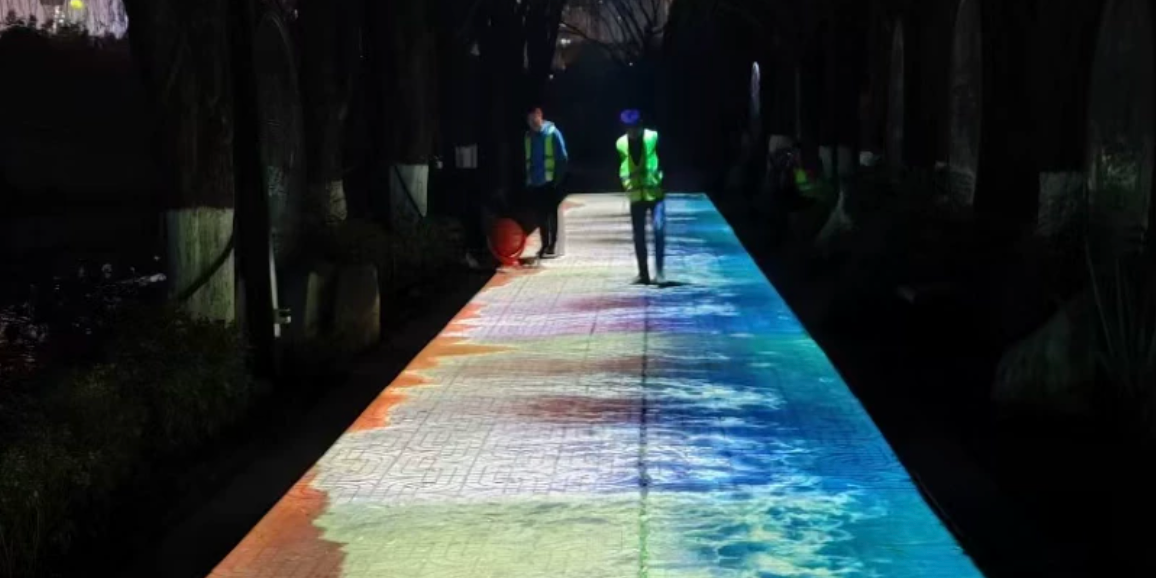
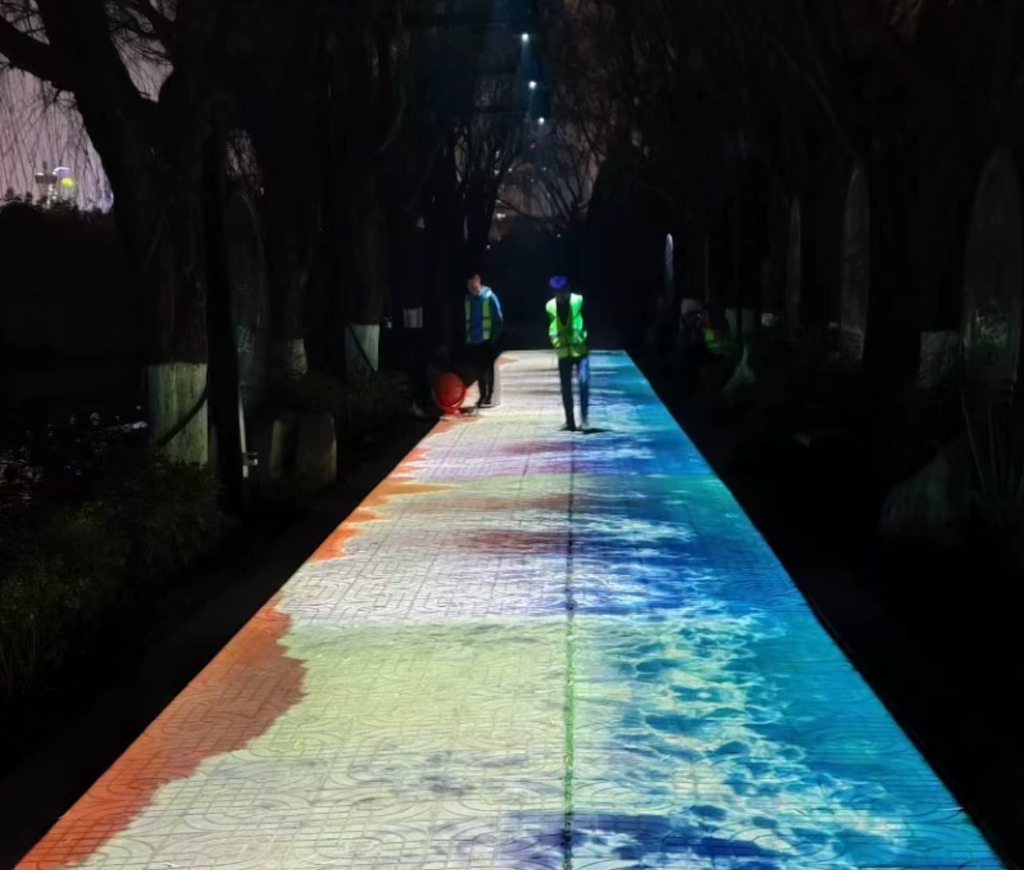
An interactive floor projection system turns an ordinary floor into a digital experience that responds to people’s movement. Visitors can walk through animated water, activate branded visuals, or play a game by stepping into projected areas.
For commercial installations, the visual content is only part of the system. A reliable sensing method is also needed to detect movement and send position data to the interactive software. One option is a LiDAR sensor for interactive floor projection.
This guide explains how LiDAR fits into an interactive floor system, where it can be used, and what project teams should consider before installation.
What Is an Interactive Floor Projection System?
An interactive floor projection system combines projected visuals with motion detection. When someone enters or moves across the interactive area, the software uses sensor data to update the content.
A typical system includes:
- One or more projectors
- A suitable projection surface
- A motion sensor, such as LiDAR
- A computer or media server
- Interactive software and visual content
- Mounting, power, and network equipment
For example, a shopping mall may project an animated pond onto its floor. When a visitor walks into the detection area, the software uses the detected position to create a ripple near the visitor’s feet.
How Does LiDAR Make a Projected Floor Interactive?
LiDAR measures distances using laser light. In a suitable floor installation, a scanning LiDAR can detect objects that intersect its configured scanning plane.
The interaction generally follows this process:
- The projector displays content on the floor.
- A person moves into the LiDAR detection area.
- The sensor sends measurement data to the processing software.
- The software maps detected positions to the projected content.
- The application responds with an animation, sound, game event, or other effect.
The experience depends on the complete system: sensor placement, software configuration, projector alignment, and content design all affect the result.
Where Can Commercial Interactive Floors Be Used?
Shopping Malls and Retail Spaces
Retail environments can use interactive floors for seasonal campaigns, product launches, wayfinding experiences, or family activity zones. Branded animations can encourage visitors to stop and interact with a space.
Museums and Exhibitions
Museums can use floor interactions to make stories easier to explore. Visitors might reveal historical information by walking into a region or trigger animations that respond to their movement.
Family Entertainment Centers
Interactive floor games can turn movement into play. Possible formats include stepping on targets, avoiding projected obstacles, or working together to complete a challenge.
Hotels and Hospitality Venues
Hotels, restaurants, and event venues can use interactive floor effects to create a memorable entrance or themed environment. Water ripples, footprints, and animated particles are examples of content that can respond to visitors.
How to Choose a LiDAR Sensor for an Interactive Floor
Before selecting a sensor, define the experience you want to create. Important questions include:
- How large is the interactive area?
- Where can the sensor be mounted?
- Will furniture or people block the sensor’s view?
- How many visitors are expected to interact at once?
- Which software will process the sensor data?
- How will the sensor be powered and connected?
- Is the installation temporary or permanent?
A single scanning plane does not automatically provide full body tracking or identify individual people. If visitors block one another from the sensor’s view, tracking can be affected. Larger or more complex layouts may require multiple sensors and additional software configuration.
Why Test the Interactive Software Before Installation?
A LiDAR sensor and an interactive application need to exchange and interpret data correctly. Testing before final installation helps the project team check:
- Whether the sensor can communicate with the intended software
- How detected coordinates map to the projected image
- Whether the planned detection area covers the intended experience
- How the system behaves when several people enter the space
- Whether the response feels appropriate for the content
Testing with the actual project layout and software is more useful than choosing a sensor based on a specification sheet alone.
Plan Your Interactive Floor Project with CPJRobot
CPJRobot is a LiDAR manufacturer providing sensors for interactive applications and interactive software testing. If you are planning a commercial floor projection, share your floor dimensions, installation layout, and software requirements with our team.
Contact CPJRobot through poelidar.com to discuss your LiDAR sensor and interactive software testing needs.