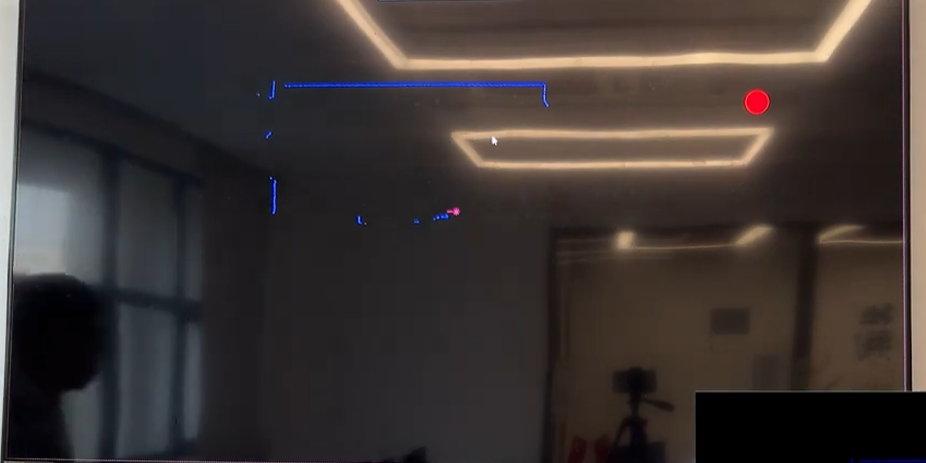
Why Your PoE LiDAR Powers On — But Still Cannot Connect
The “8-Core Ethernet Cable” Mistake Most Installers Miss
In interactive projection projects, one of the most confusing problems is this:
The PoE LiDAR powers on normally.
The LEDs blink.
The switch detects the device.
But:
- Unity cannot find the sensor
- TouchDesigner loses connection
- TCP communication becomes unstable
- the software randomly disconnects
- “Connection Failed” keeps appearing
At first glance, everything looks normal.
But in many real-world installations, the actual problem is surprisingly simple:
The Ethernet cable only has 4 working cores.
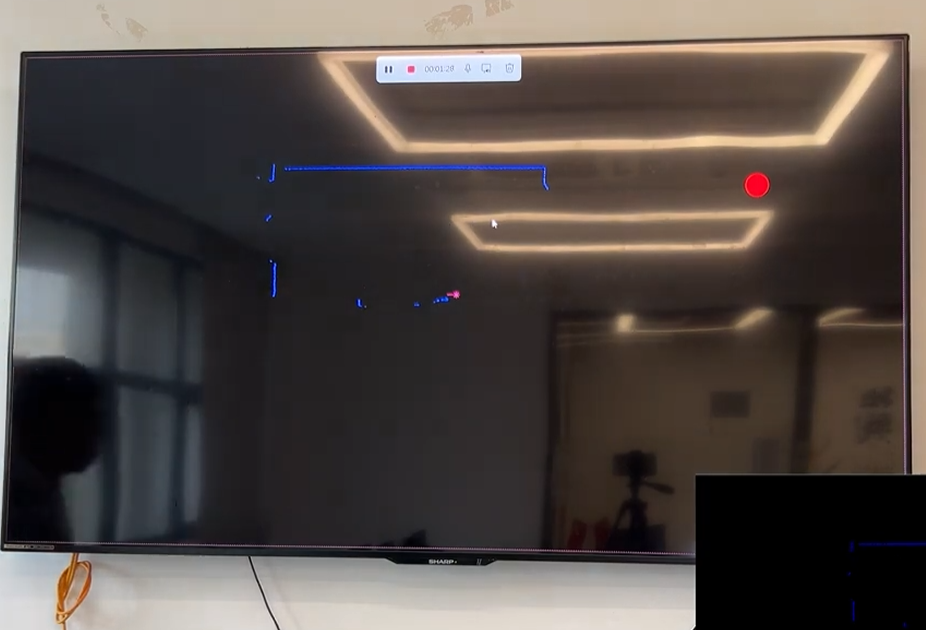
The Hidden Problem Behind Many “Connection Failed” Errors
Many low-cost Ethernet cables — especially cheap premade cables or poorly hand-crimped cables — only properly connect:
- 4 cores
- instead of full 8-core transmission
For basic network devices, this may still appear to work.
But PoE LiDAR systems are much more sensitive to:
- power stability
- packet integrity
- TCP/IP communication quality
- signal interference
Especially in:
- interactive wall systems
- immersive exhibition installations
- projection mapping projects
- multi-LiDAR deployments
- outdoor temporary events
the communication load is significantly higher than ordinary office networking.
Why the Device Still Powers On
This is why many engineers get confused.
Because with incomplete cable wiring:
✅ PoE power may still pass through
✅ Switch indicators may still blink
✅ The device may appear online briefly
But internally:
- data transmission becomes unstable
- packet loss increases
- communication latency spikes
- TCP sessions fail intermittently
Result:
The LiDAR powers on…
but the software cannot maintain a stable connection.
This is one of the most underestimated causes of unstable interactive systems.
Real Engineering Scenario
During an exhibition deployment, an installer reported:
- random LiDAR disconnects
- delayed touch response
- unstable Unity interaction
- intermittent sensor detection
The software team spent hours debugging drivers and firewall settings.
The real issue?
A hand-crimped 20-meter Ethernet cable with only 6 properly connected pins.
After replacing it with an industrial CAT6 cable:
- the connection stabilized immediately
- latency dropped
- tracking became smooth
- disconnects disappeared completely
No software changes were needed.
How to Check Ethernet Cables Properly
Do NOT trust LED indicators alone
A blinking switch port does NOT guarantee stable communication.
Always use:
- a professional network cable tester
- full 8-pin continuity testing
- industrial-grade Ethernet validation tools
All 8 pins must work correctly
For stable PoE LiDAR deployment:
- all 8 cores must transmit correctly
- pin sequence must match standards
- shielding should remain intact
- connectors must be securely crimped
Why Hand-Crimped Cables Often Fail
Handmade Ethernet cables are especially risky in:
- temporary exhibition projects
- museum installations
- outdoor interactive events
- rapid deployment environments
Common field issues include:
- loose crystal connectors
- incorrect pin order
- partial core contact
- damaged shielding
- excessive bending during installation
The problem may not appear immediately.
But after hours of operation:
- packet loss increases
- instability appears
- software starts disconnecting randomly
Recommended Cable Standards for PoE LiDAR
At CPJROBOT, we strongly recommend:
✅ Industrial-grade CAT5e or CAT6
✅ Full 8-core cables
✅ Shielded Ethernet cables for noisy environments
✅ Pre-tested industrial connectors
✅ Avoid ultra-cheap passive Ethernet cables
Especially for:
- immersive interaction systems
- large projection mapping projects
- multi-sensor environments
- long-distance installations
network quality directly affects interaction stability.
Common Search Terms Engineers Use
This issue is often searched as:
- PoE LiDAR powers on but not connecting
- interactive projection LiDAR disconnecting
- Ethernet cable causing packet loss
- Unity LiDAR unstable connection
- TouchDesigner TCP/IP disconnect
- PoE device online but unreachable
- CAT6 cable for interactive systems
- LiDAR network troubleshooting
FAQ
Why does the LiDAR power on but software cannot detect it?
Usually because:
- Ethernet cable cores are incomplete
- packet transmission is unstable
- TCP communication repeatedly fails
Power and data stability are not the same thing.
Can a 4-core Ethernet cable still power the device?
Sometimes yes.
But stable TCP/IP communication for PoE LiDAR requires proper 8-core connectivity.
Why are hand-crimped cables risky?
Because poor crimping can create:
- intermittent contact
- unstable data transmission
- packet loss under movement or vibration
This becomes critical in interactive systems.
CAT5e or CAT6 — which is better?
For professional installations:
CAT6 is strongly recommended for:
- better shielding
- reduced interference
- improved long-distance stability
- multi-device deployments
Final Engineering Advice
In real interactive installations:
Many “software problems”
are actually:
network infrastructure problems.
Before debugging Unity, TouchDesigner, firewalls, or drivers:
Always check:
- Ethernet cable quality
- full 8-pin continuity
- shielding
- connector reliability
- network stability under load
Professional integrators know:
Stable interaction starts with stable physical infrastructure.
About CPJROBOT
CPJROBOT is a professional PoE LiDAR manufacturer focused on:
- interactive projection systems
- immersive exhibition interaction
- wall & floor touch solutions
- multi-LiDAR deployment
- Unity / TouchDesigner / TUIO interaction systems
Our PoE LiDAR solutions are designed for real engineering environments —
where long-term stability matters more than laboratory demonstrations.